Master Grocery Shopping: Organize Your Lists Smartly
Master Grocery Shopping: Organize Your Lists Smartly
Grocery shopping can often feel like a daunting task, especially when you're juggling a busy schedule. But fear not! With a few strategic tweaks, you can streamline the experience, ensuring you never forget those essential items again. Here's how you can revolutionize your grocery shopping habits using smart grocery list techniques.
Organize by Store Section
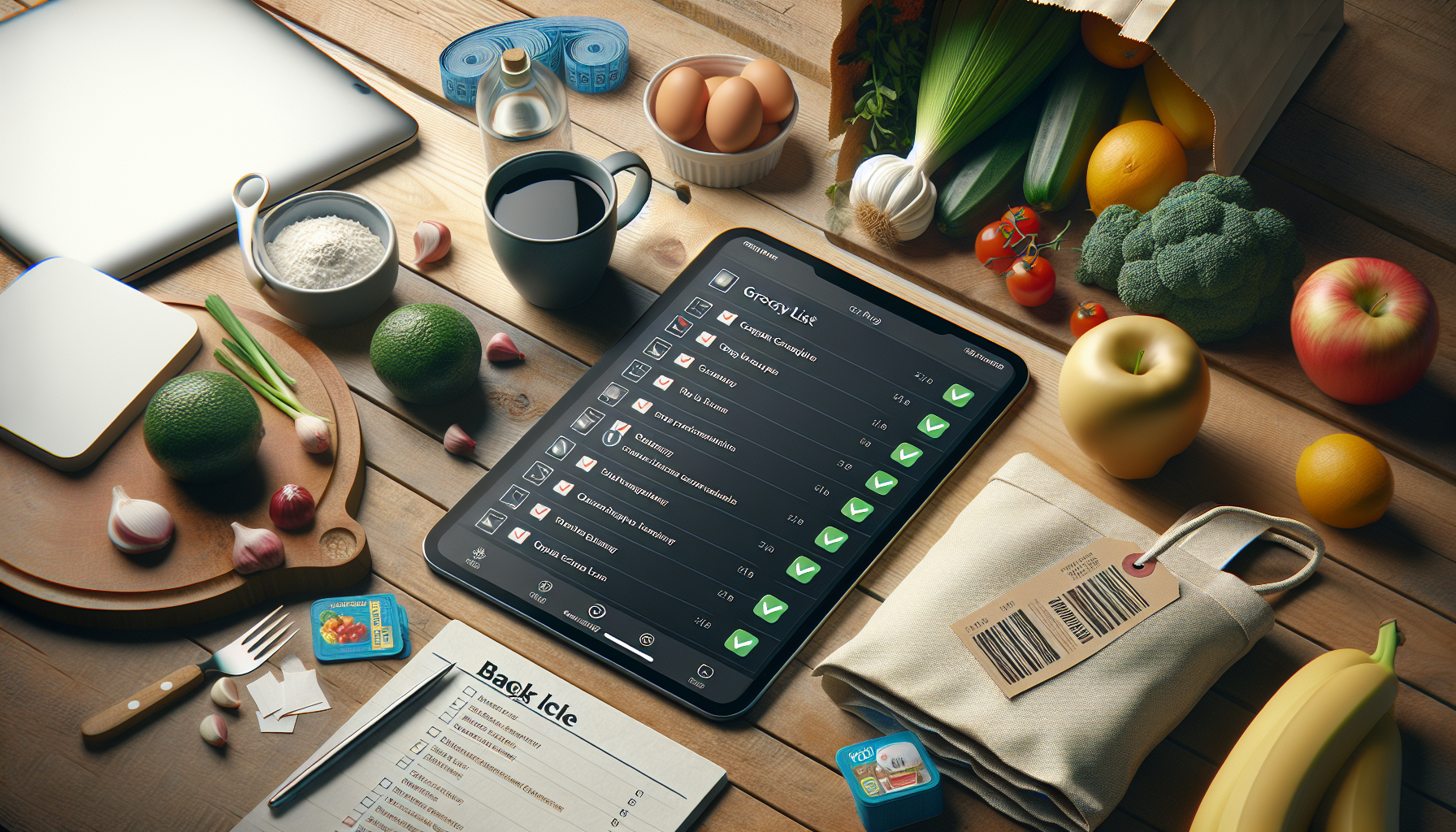
One of the simplest yet most effective ways to enhance your grocery shopping efficiency is to organize your list by store section. By grouping items according to where they’re located in the store—such as produce, dairy, meats, and frozen goods—you can navigate the aisles quickly and avoid unnecessary backtracking.
Tip: Before heading to the store, take a few minutes to write down or digitally organize your list into categories. Most grocery stores follow a similar layout, which makes this task easier and faster over time.
Share Lists with Family Members
Gone are the days when you would have to remember every family member's favorite snack or last-minute request. Sharing your grocery list digitally with family members ensures everyone has a say and reduces the chance of forgotten items.
Tip: Use a food management app like PantryLink to create a shared list that your family can access and update in real-time. This way, everyone's preferences are accounted for, and you can avoid multiple trips to the store.
Build Lists from Recipes
Planning meals for the week? Create your grocery list directly from your recipes. This not only ensures you have all the ingredients you need, but it also helps in planning balanced meals and reducing food waste.
Tip: When you find a recipe you love, add it to your favorite app's meal planner feature, which can automatically generate a grocery list for you. Apps like PantryLink allow you to save recipes and convert ingredients directly into shopping lists.
Maintain Running Lists of Staples
Avoid the frustration of running out of necessities like milk, bread, or eggs by maintaining a running list of staples. Keep this list easily accessible, updating it whenever you notice an item is running low.
Tip: Designate a spot in your kitchen for a whiteboard or a digital device to jot down items as they get used up. With a food management app, you can maintain a digital checklist that syncs across devices, ensuring you always have an up-to-date list.
Never Forget an Item Again
Forgetting an item can throw a wrench in your meal plans and force an unnecessary return trip. To avoid this, adopt a structured approach to list-making and review before leaving home.
Tip: Make it a habit to check your list before checkout. Additionally, using a food management app that allows for instant updates can send you reminders or notifications for items marked as critical.
Conclusion
By implementing these smart grocery shopping strategies, you can make your trips more efficient, save time, and reduce stress. The key is to find a system that works for you and stick with it. Whether it's organizing by store section, sharing lists with family members, or maintaining a running list of staples, these tips can transform your shopping routine.
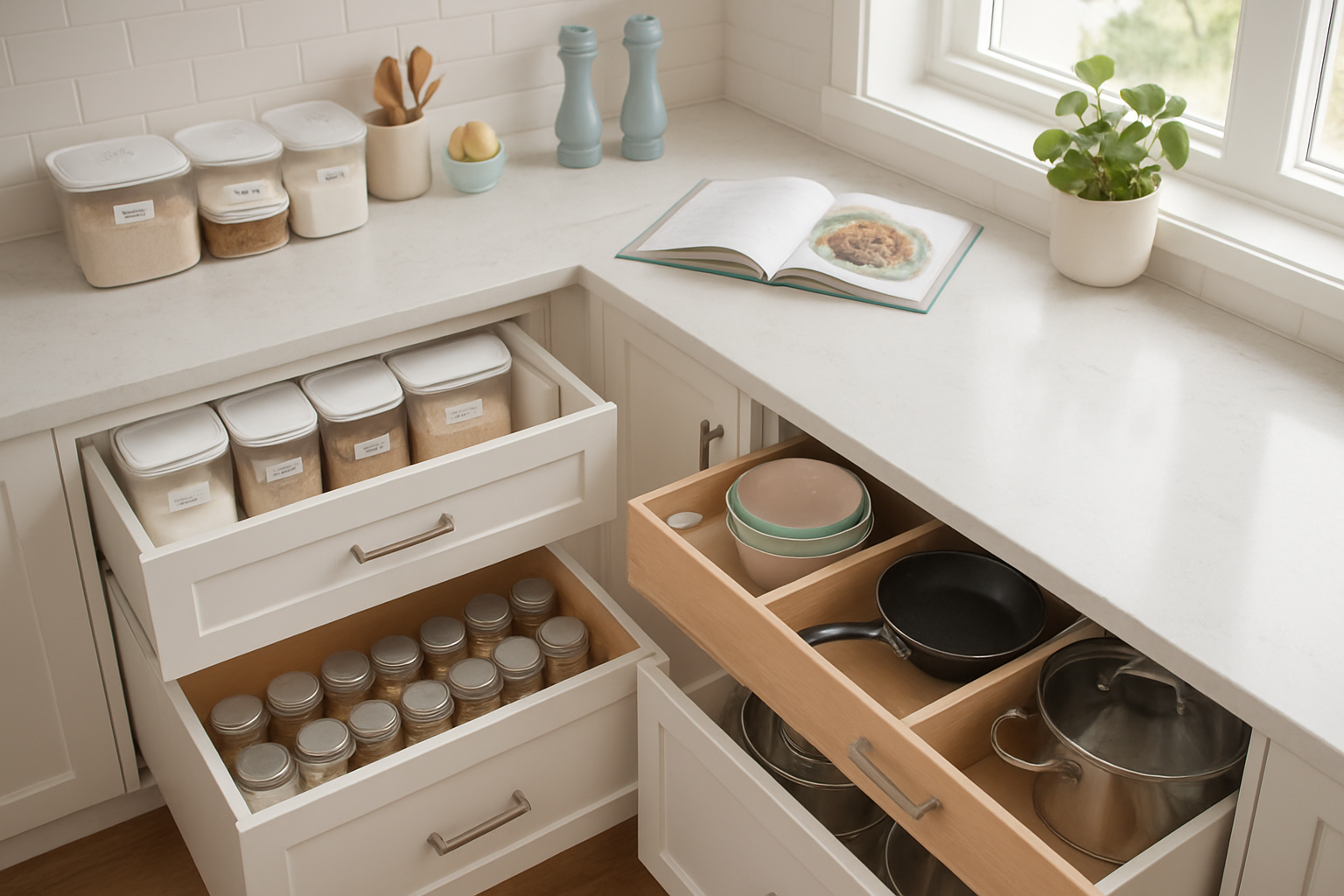
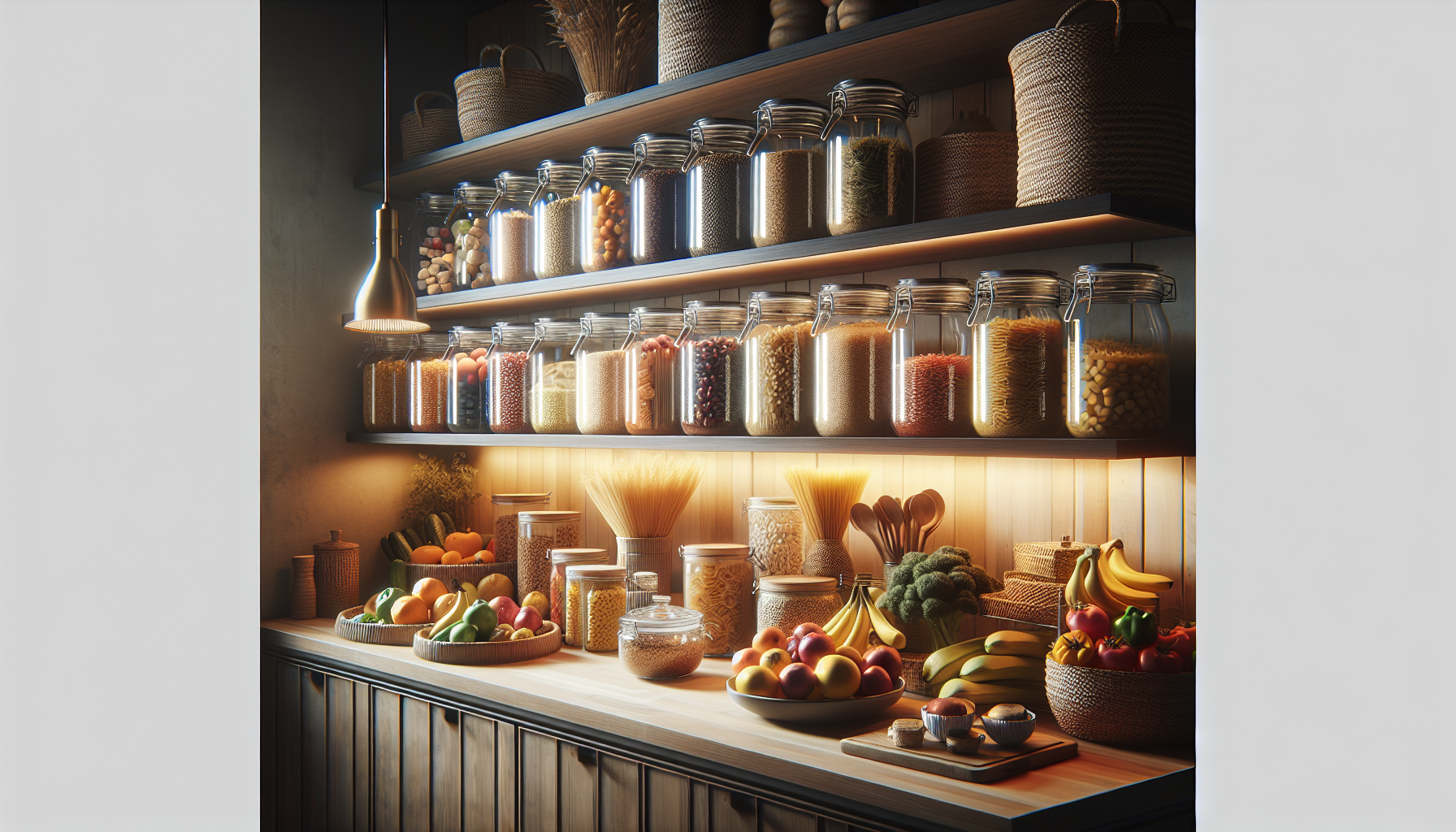
Remember, the use of a food management app like PantryLink can further streamline the process, offering tools to collaborate with family, plan meals, and manage your pantry effectively. Happy shopping!
Ready to organize your pantry?
PantryLink helps you track inventory, plan meals, create shopping lists, and reduce food waste. Start free today!
Get Started Free